
Why Is Your Vacuum Losing Suction? Alex & Alex’s Practical Troubleshooting Guide
Alex & Alex / The Practicalists
Why is your vacuum losing suction? A practical troubleshooting guide for NZ workplaces.
Work through the checks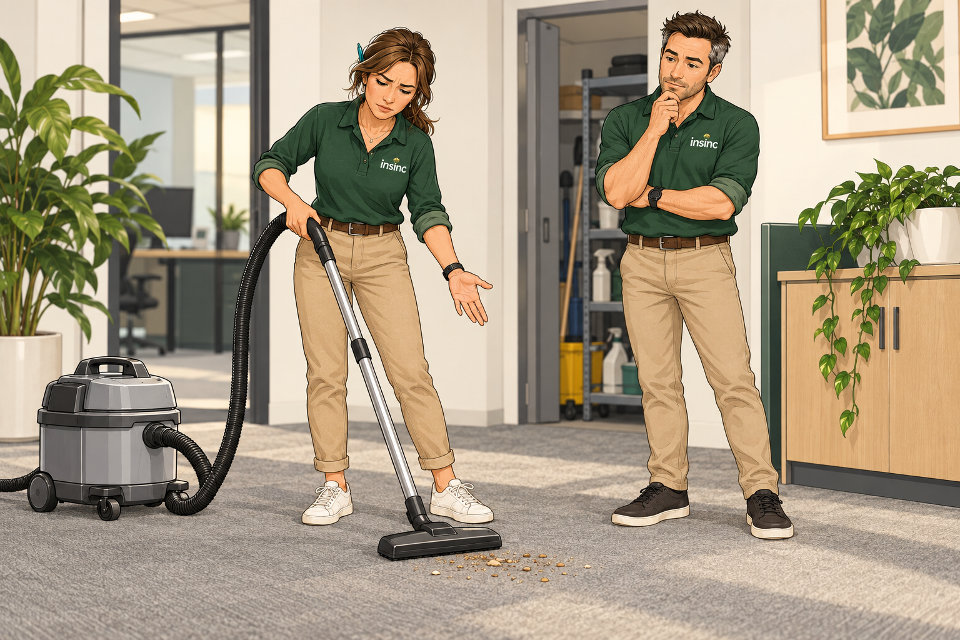
Quick answer: why does a vacuum lose suction?
Common causes include a loaded dust bag, clogged filters or a blockage in the hose, wand or floor head. Incorrect assembly can also affect performance. Check the suction controls and floor setting, then follow the troubleshooting instructions for your model.
Before opening or detaching anything: switch off and unplug the vacuum. For cordless equipment, follow the manufacturer’s battery-isolation instructions. Reassemble it correctly before testing.
You have vacuumed the same patch of carpet three times. The motor sounds busy, but the crumbs are still there. Do you need a new machine, or is something simpler getting in the way?
For New Zealand office cleaners, accommodation teams and workplace managers, this is a useful moment to stop and check. Alex & Alex explain how to work through the basics and choose replacement supplies that actually fit.
Why this matters for your workplace
Repeated passes take time. A cleaner may end up revisiting an entire room when the real issue is equipment that needs attention. A simple reporting routine helps the next person avoid inheriting the same problem.
An illustrative example: an extra five minutes on each of six rooms adds up to 30 minutes. This is not a promised saving; it shows why checking performance can be worthwhile before comparing replacement bag prices alone.
The Practicalist Take
Female Alex: “If I’m going over the same spot again, I want to know what’s changed.”
Male Alex: “Start with the machine and its consumables. A replacement only helps when it’s the right one for the job.”
01 / Troubleshooting
Check the dust bag and its fit
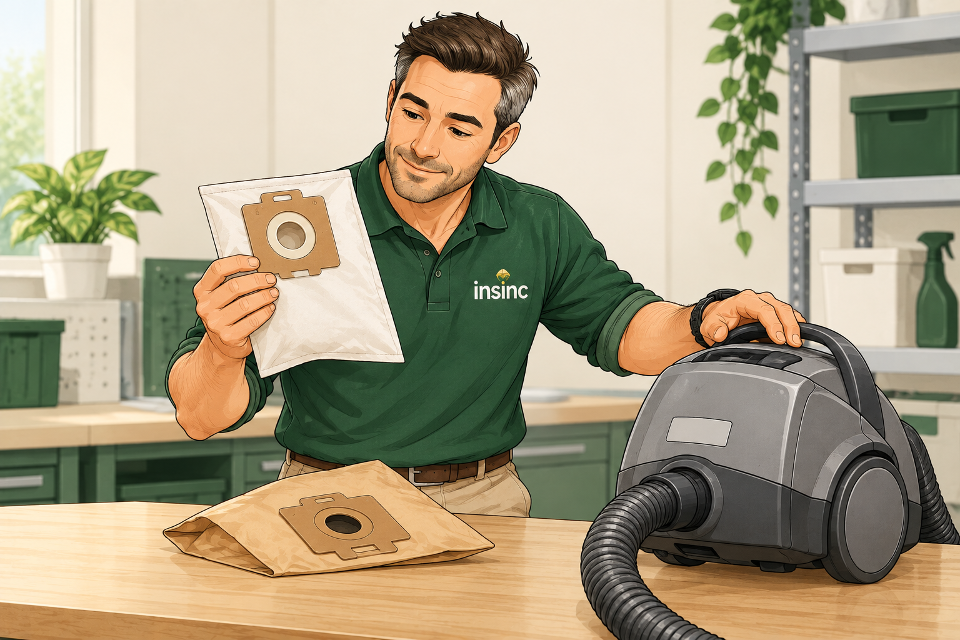
A bag does not always have to look packed to affect pickup. Fine dust can block its pores, restricting airflow before all the available space is used. Follow your machine’s bag indicator and replacement instructions.
With the machine isolated, check that the bag is correctly seated and the lid closes normally. Do not force the lid or modify a collar to make an unsuitable bag fit. Replace disposable bags as directed; emptying them does not make them equivalent to a fresh bag.
What should you check before buying vacuum bags?
- Make and exact model: photograph the machine’s identification label.
- Bag reference: keep the packaging or code from a confirmed compatible bag.
- Listed compatibility: match your model against the replacement’s specifications.
- Bag system: check whether your machine requires a disposable bag, reusable bag, or a combination.
Start with Insinc’s vacuum cleaner bag range. Brand categories narrow the search, but the exact model still matters. For example, the Hoover vacuum bag category is a starting point, rather than confirmation that every listed bag fits every Hoover.
Paper or SMS vacuum bags: which should you choose?
Insinc lists both paper and SMS options. SMS refers to spunbond–meltblown–spunbond layered material. Choose a bag approved for your machine and task; material alone does not establish compatibility, filtration performance or whether the bag is reusable.
One example is the Filta C019 20-litre SMS vacuum bag five-pack, which has a specified compatibility list. Check that list against your exact model. A bag advertised for a wet-and-dry vacuum should not automatically be used to collect liquid; follow the machine and bag instructions.
02 / Troubleshooting
Check the filters using the model’s instructions

A new bag cannot resolve every restriction. Depending on the machine, there may be a pre-motor filter, cartridge filter, exhaust filter or other filtration stages. Identify yours in the manual before removing anything.
Inspect accessible filters for accumulated dirt and damage. Clean only by the method the manufacturer permits, or replace them when required. Do not assume a pleated or HEPA-labelled filter is washable. Where washing is permitted, follow the specified drying instructions before refitting.
Keep every required filtration stage in place. Removing a filter to improve airflow defeats its purpose and may expose the machine to dust. If the instructions are unclear, confirm the correct replacement and care procedure with the manufacturer or service agent.
03 / Troubleshooting
Inspect the hose, wand and floor head
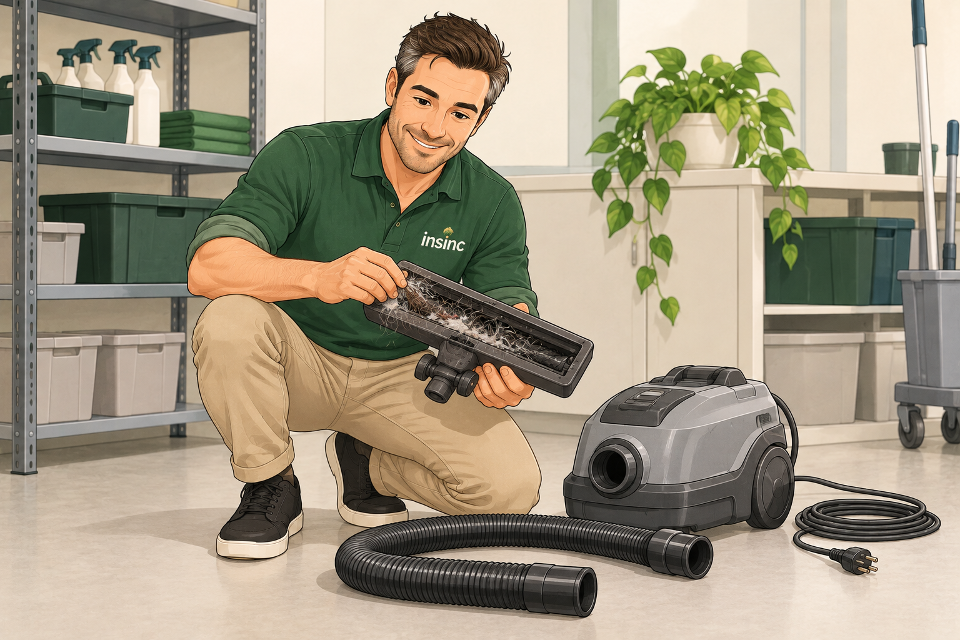
With the power isolated, detach user-removable accessories as the manual allows. Look for an obstruction at the floor-head opening, bends in the handle and hose connections. Hair and fluff can collect around the floor tool; bulky debris may lodge farther along the airflow path.
Clear only accessible debris using the manufacturer’s recommended method. Avoid forcing sharp objects through a flexible hose. Check for visible splits and loose connections, then refit the accessories securely.
For machines with a rotating brush, follow the specific brush-cleaning instructions. A simple suction head and a powered brush are different attachments and should not be treated as interchangeable maintenance tasks.
04 / Troubleshooting
Check settings, then assess the result
Before declaring the motor faulty, check whether the suction setting has been reduced or an air-relief control has been opened. Select the floor-head mode recommended for the surface. Maximum suction is not always the correct setting for every carpet or attachment.
After reassembly, test the vacuum normally on a small area. If pickup remains poor, stop repeating the same cleaning passes and arrange further assessment.
When should you contact a service technician?
Persistent poor performance after the permitted checks needs professional attention. Stop using equipment with a damaged lead or plug, a burning smell, smoke, repeated cut-outs or unusual mechanical noises. Do not open the motor housing or attempt electrical repairs.
Record the model, symptoms and checks already completed. That gives your service agent something more useful than “it isn’t working properly”.
The right questions first
What Alex would ask before recommending a replacement
- Did the problem begin suddenly, or develop gradually?
- Did it start after a bag or filter change?
- What exact machine and attachment are being used?
- What material was being collected?
- Which checks have already been completed?
Ordinary workplace dust and crumbs are the focus of this guide. Liquids and hazardous dust require equipment and procedures specifically suited to those materials.
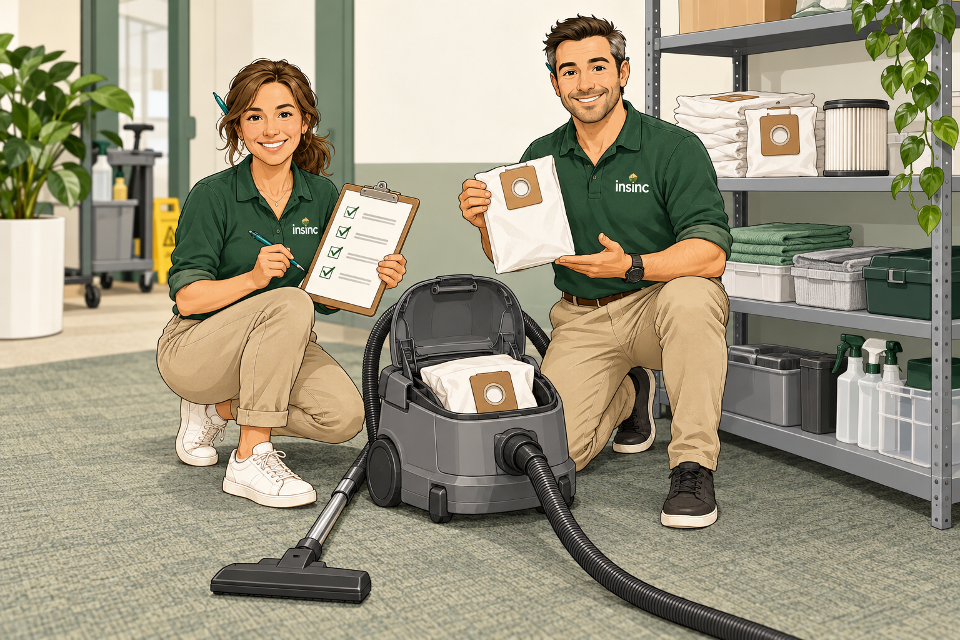
05 / Build the routine
A practical maintenance routine for your team
Give each machine a simple record: model number, confirmed bag code, filter reference and any service notes. Keep compatible spares together so someone does not have to improvise during a shift.
Make visible damage and poor pickup reportable issues. Schedule consumable checks around actual use and the manufacturer’s instructions, rather than assuming every vacuum needs the same replacement interval.
Where Insinc can help
Find the right fit for your machine.
Insinc supplies vacuum bags across a wide range of brands. Browse the vacuum cleaner bag range, then check the individual product’s model information before ordering.
For a product enquiry, send your machine make, model and existing bag reference to sales@insinc.co.nz or call 0508 467 462.
Practical Sustainability™: check what the equipment needs, choose compatible supplies and avoid buying replacements by guesswork.
One practical next step
Your 60-second Practical Workplace Check-up
This is a quick planning check, not a timed repair:
- Can the team find the machine’s model and bag code?
- Are compatible replacement bags available?
- Does someone own the filter and servicing schedule?
- Is there a clear way to report poor pickup or damage?
Missing a reference? Photograph the model label before placing the next order.
Take the 60-second check-upThe questions we hear
FAQ: Alex & Alex answer your vacuum questions
Why is suction weak when the bag is not full?
The bag’s pores may be loaded with fine dust. Filters or accessories can also be restricted. Check each item according to the manual rather than judging the bag by its size alone.
Can I use a bag that looks the same?
Appearance is not enough. Check the exact machine model and bag compatibility, including the collar and mounting arrangement.
Can I empty and reuse a disposable vacuum bag?
Use disposable bags as instructed. A reusable bag is a separate product with its own care requirements; fabric-like material alone does not mean a bag can be reused.
Will a new bag fix every suction problem?
No. A blocked attachment, loaded filter, incorrect setting or equipment fault may still need attention. Change a bag when needed, then assess the whole system.
How often should workplace vacuum bags and filters be replaced?
Use the model’s instructions, indicators and operating conditions. A fixed interval for every machine would overlook differences in workload, dust and filtration design.
Does weak suction mean I need a new vacuum?
Not necessarily. Complete the permitted basic checks first. If performance remains poor, get a service assessment before deciding whether repair or replacement makes sense.
Related Insinc reading
Manufacturer references: Pacvac troubleshooting FAQs, Miele reduced-performance guidance, and Kärcher NT 27/1 instructions. These illustrate common checks; always follow your own model’s manual. Illustrations show generic equipment, not exact product configurations.
Alex & Alex · The Practicalists · Practical Sustainability™